
Create your space
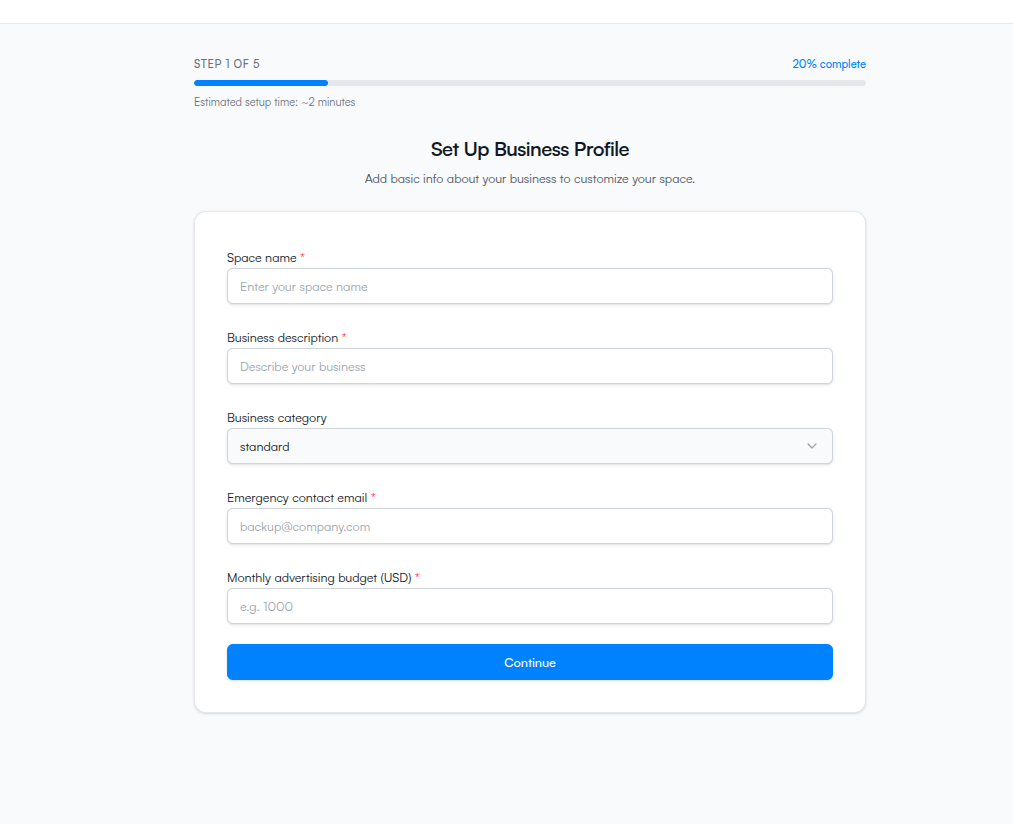
Step 1 of the wizard — add the basic info about your business so ClickFortify can set up your workspace.
The first step of the wizard creates your space — the workspace that holds your team, ad accounts, websites, and protection settings.
What a space is
One space is one workspace. Everything you do in ClickFortify — ad accounts, sites, team members, billing, protection settings — lives inside a space. Agencies typically create one space per client, so each client's data and billing stays separate.
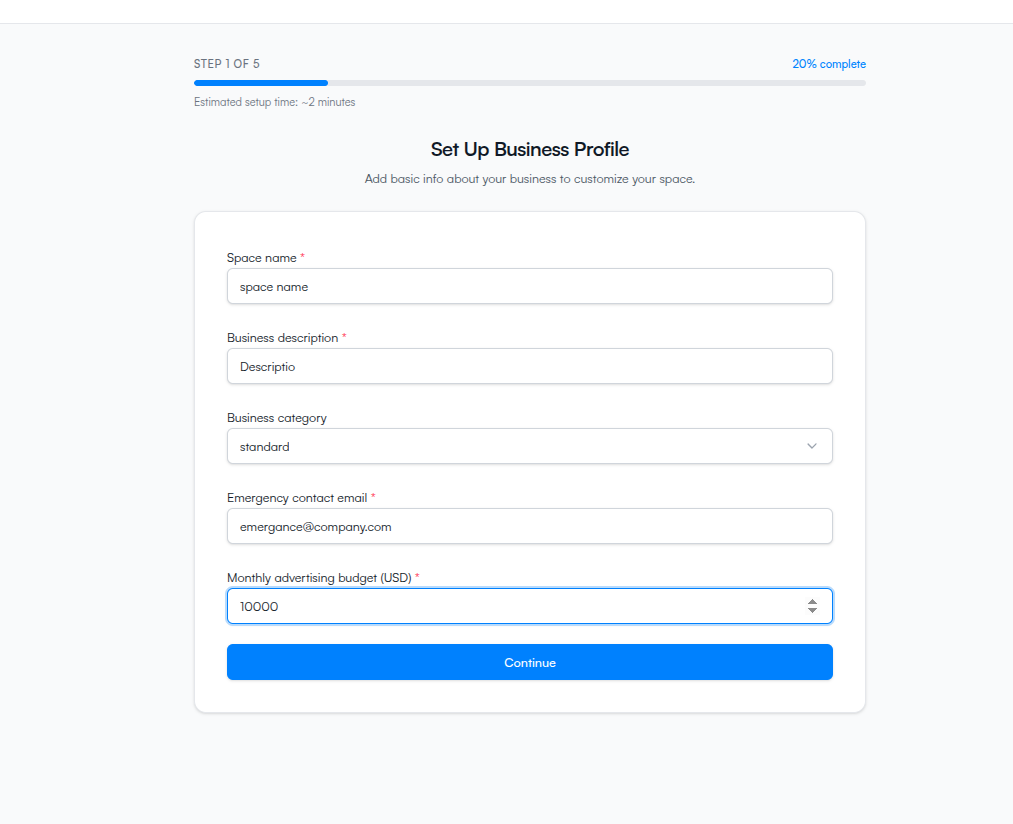
Fill in the form
Space name — what you'll call this workspace internally. Pick something you'll recognize at a glance.
Business description — a sentence about what the business does.
Business category — Standard for a single business, or Agency if you manage clients.
Emergency contact email — where ClickFortify sends protection alerts and billing notices. Must be different from your login email.
Monthly advertising budget (USD) — your typical monthly ad spend. Minimum $500. Used to calibrate sensitivity.
Click Continue to save and move to step 2.
What you can change later
Every field is editable from Space Settings after the wizard. Switching between Standard and Agency may affect what billing options you see, so change with care.