
Sign up
Create your ClickFortify account with email and password, or with your Google account.
You can sign up two ways: email and password, or your Google account. Either way takes under a minute.
Prefer to watch?
This 3-minute video walks through the whole setup — signup, email verification, connecting Google Ads, choosing a plan, and installing tracking — right up to your first look at the dashboard.
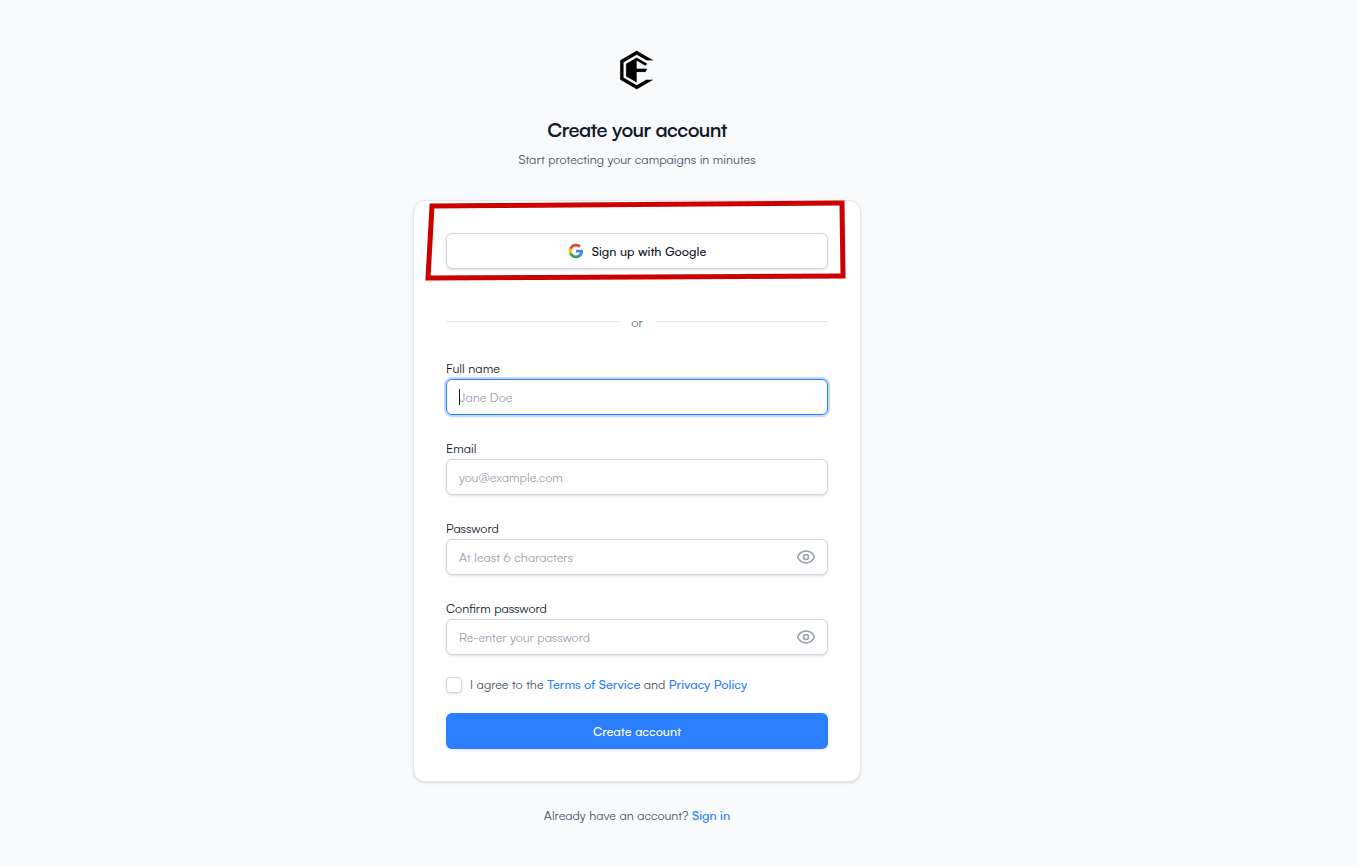
Sign up with Google
The fastest path if you already have a Google account.
Go to the ClickFortify signup page.
Click Sign up with Google at the top of the form.
Pick the Google account you want to use in the popup.
Approve the requested permissions (name, email).
Sign up with email
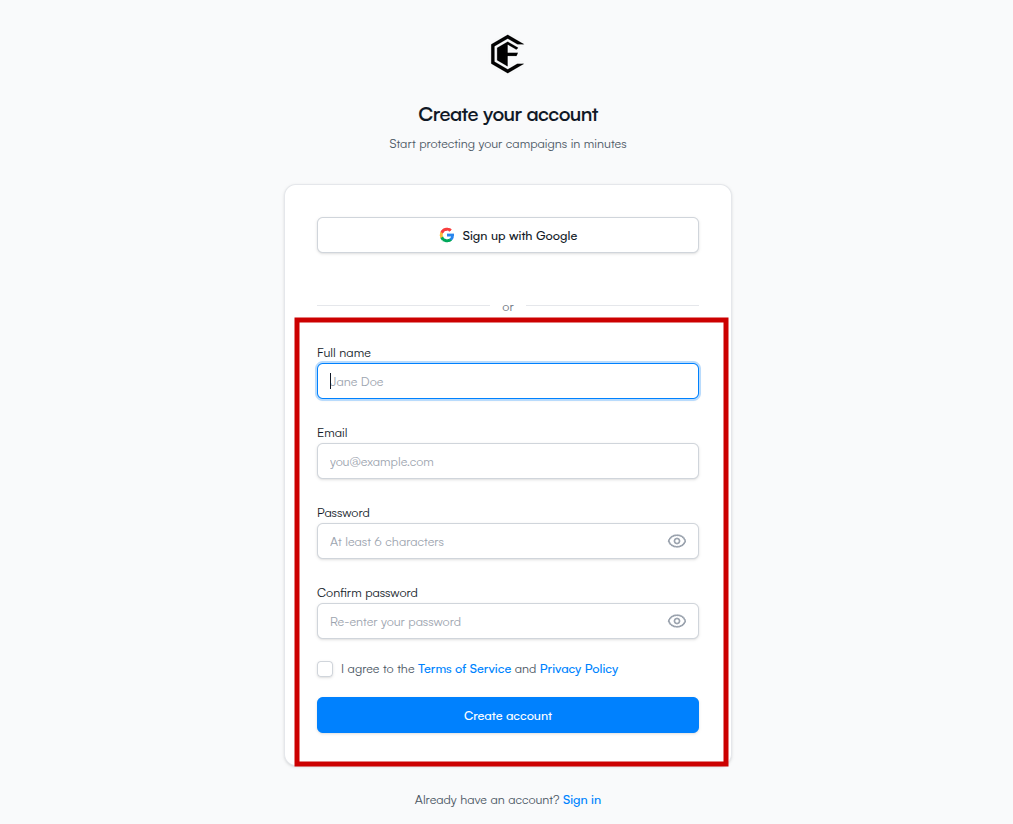
Fill in Full name, Email, Password (at least 6 characters), and Confirm password.
Check the box to agree to the Terms of Service and Privacy Policy.
Click Create account.
What each field is for
- Name — shown in your dashboard and on emails ClickFortify sends you.
- Email — your login, and where the verification link is sent.
- Password — only needed for email signup. Google signups don't set a password.