
Verify your email
A one-time email check between signup and the setup wizard — what to expect and what to do if the code doesn't arrive.
Right after signup, ClickFortify sends a 6-digit verification code to your email. Enter the code (or click the link in the email) to unlock the setup wizard.
Skip this and the wizard won't open. Every other page redirects you back here until your email is verified.
Why this step exists
Email verification confirms you own the address you signed up with. ClickFortify uses it for password resets, billing notices, and protection alerts — so getting it right matters before you start protecting real ad spend.
Enter the verification code
Open the inbox for the email address you signed up with.
Find the email from ClickFortify with your 6-digit code.
Type the 6 digits into the boxes on the Verify your email screen — it auto-submits as soon as you enter the last digit.
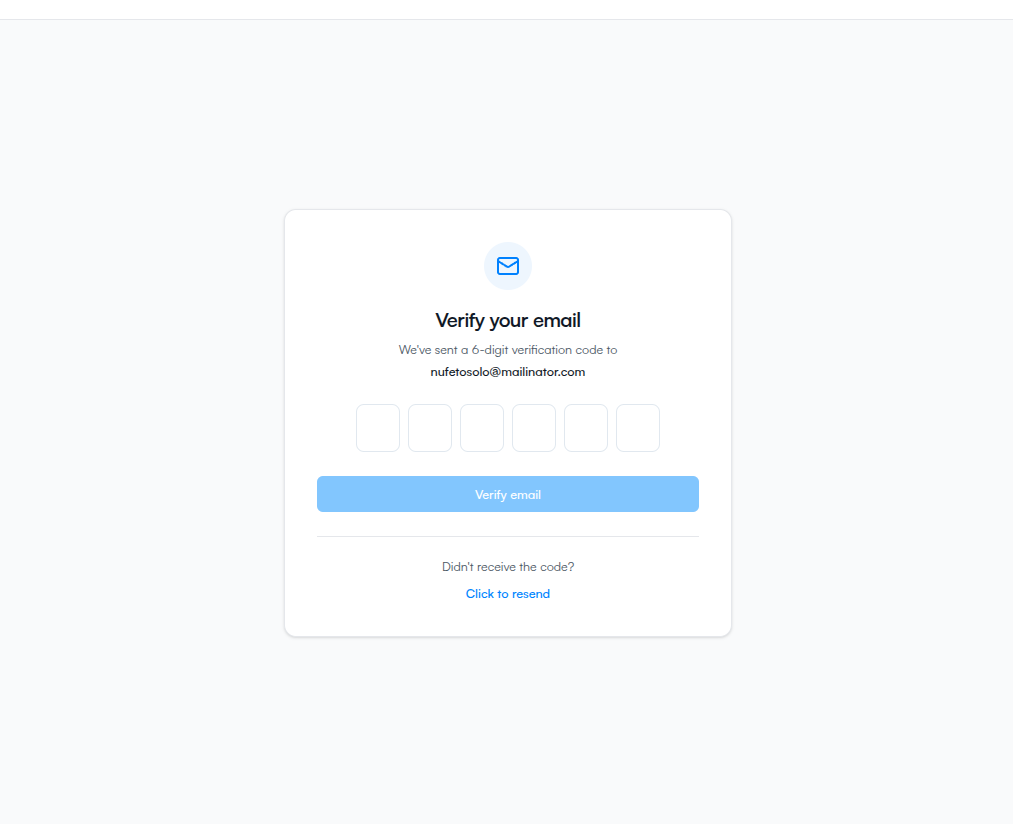
The email also has a clickable verification link. Clicking it opens the verify page with the code pre-filled, so it submits automatically.
What if it doesn't arrive
- Check spam. Verification emails sometimes get filtered.
- Confirm the address. The code is sent to the email on your account — if you have a typo, no email will arrive.
- Resend. Click Didn't receive the code? Resend code below the input. You can request another after a 60-second cooldown.